Saving Data Sets
Scans are saved using the Done Scanning button from the Main View.
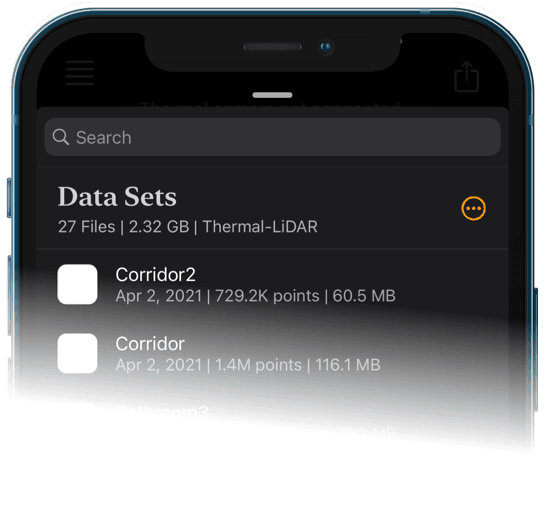
Completed scans may be viewed in the Data Sets View. Swipe left on a scan to delete it or tap on a scan to open the detail view. Data sets may be exported and shared from the detail view.